
Quick Tip - Tomato - Creating a Guest Wifi Network
Creating a guest wifi in Tomato is easy. Just follow these screen shots: To begin:
Login to the Tomato Control Panel
Click Network under basic settings and add a new lan connection as the screen shot shows:

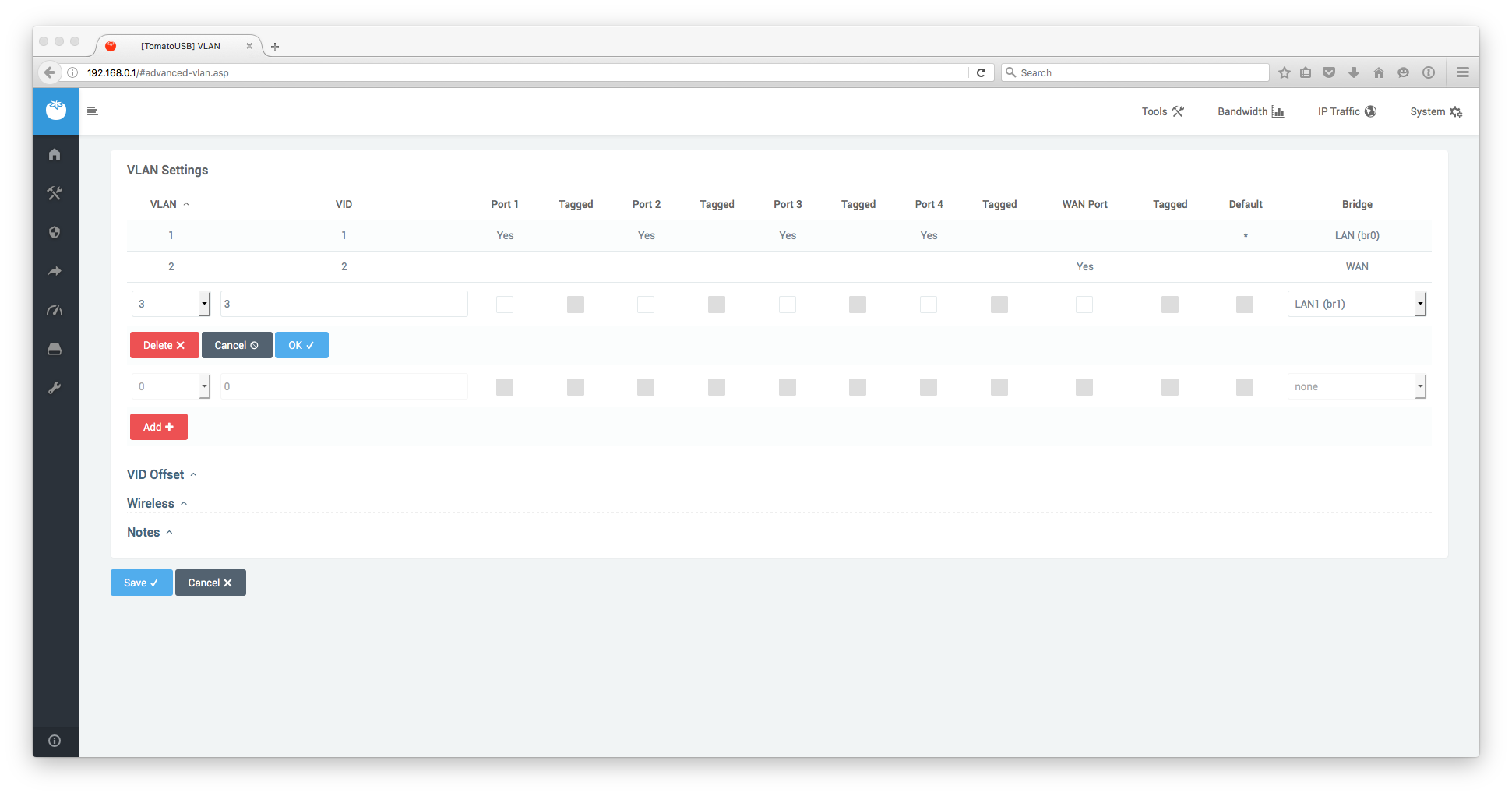
Go to VLAN under advanced and create a new one linking it to the new LAN. You will have to restart the router after this operation.
- Add a new virtual wifi interface

Job done!